
VedetorVEDETOR
连接

即使相隔很远,也依然靠近。

Vedetor 让重要的人始终触手可及。

家庭

一个孩子。两位家长。一份共同连接。

以陪伴为核心,而不是持续监控。

保护

了解真正重要的事。

位置、安全区域和必要时的提醒。

信任

保护,就是陪伴。

让家庭连接保持平静而自然。

VEDETOR
陪伴。保护。安心。
向下滚动探索
故事之后

保护,就是陪伴。

与重要的人保持连接。Vedetor 以有用的信息、清晰沟通和安心保护为核心。

为什么选择 VEDETOR

安心保护。
真实连接。

Vedetor 从人出发,而不是从数据出发。位置、设备状态、指令和提醒都是为了支持关系。

陪伴查看重要信号,不被无关信息打扰。
控制为日常监护或更深度控制选择合适的模式。
连接指令可通过互联网或短信发送。
使用方法

用几个清晰步骤连接设备。

Vedetor 让首次连接保持简单。添加受监护设备,确认配对请求,然后选择合适的控制级别。

01 / SET UP

安装 Vedetor

在家长设备和需要被监护的设备上安装并完成 Vedetor 设置。

02 / ADD

选择添加设备

在家长设备上开始连接新设备。Vedetor 会创建一个临时配对请求。

03 / PAIR

扫描或输入代码

扫描 QR 码快速连接,或在应用提示时输入六位数字代码。

04 / CONTROL

开始使用 Vedetor

连接后,设备会出现在控制面板中。日常监护使用 Normal,更深入的控制使用 Owner Device。
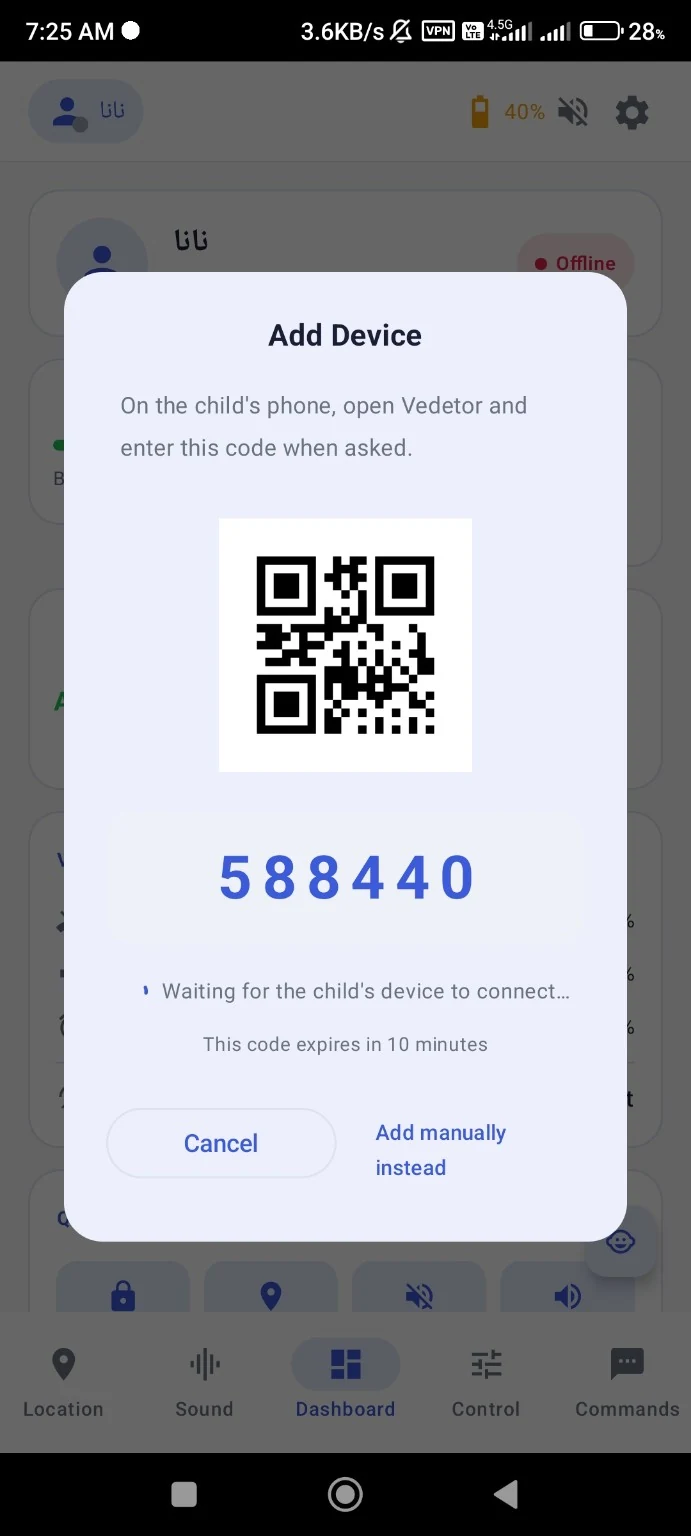
Vedetor Add Device pairing screen with QR code and six-digit pairing code
01 / 08FEATURE JOURNEY
Live Location

Know where they are.

Professional, real-time visibility into the supervised device.

02 / 08FEATURE JOURNEY
Internet + SMS Commands

Two paths. One connection.

Send commands through the internet or SMS.

03 / 08FEATURE JOURNEY
Complete Sound Control

Control every sound that matters.

Ringtone, media, alarm and other device sounds — remotely.

04 / 08FEATURE JOURNEY
Live Device Status

See the device as it is now.

Battery, sound levels and other useful status signals at a glance.

05 / 08FEATURE JOURNEY
Find My Phone

Find it. Fast.

Vibrate, flash the light or play a loud sound, even in silent mode.

06 / 08FEATURE JOURNEY
Advanced Commands

Do more, from anywhere.

Remote actions such as screen control, app locking, camera actions and more.

07 / 08FEATURE JOURNEY
Owner Device

Maximum control.

The advanced control layer for deeper device management.

08 / 08FEATURE JOURNEY
Dual Control

Choose your level of control.

Normal mode for everyday supervision. Owner Device for deeper control.

01 / 08
为家庭而生

不同地点。
同一种连接。

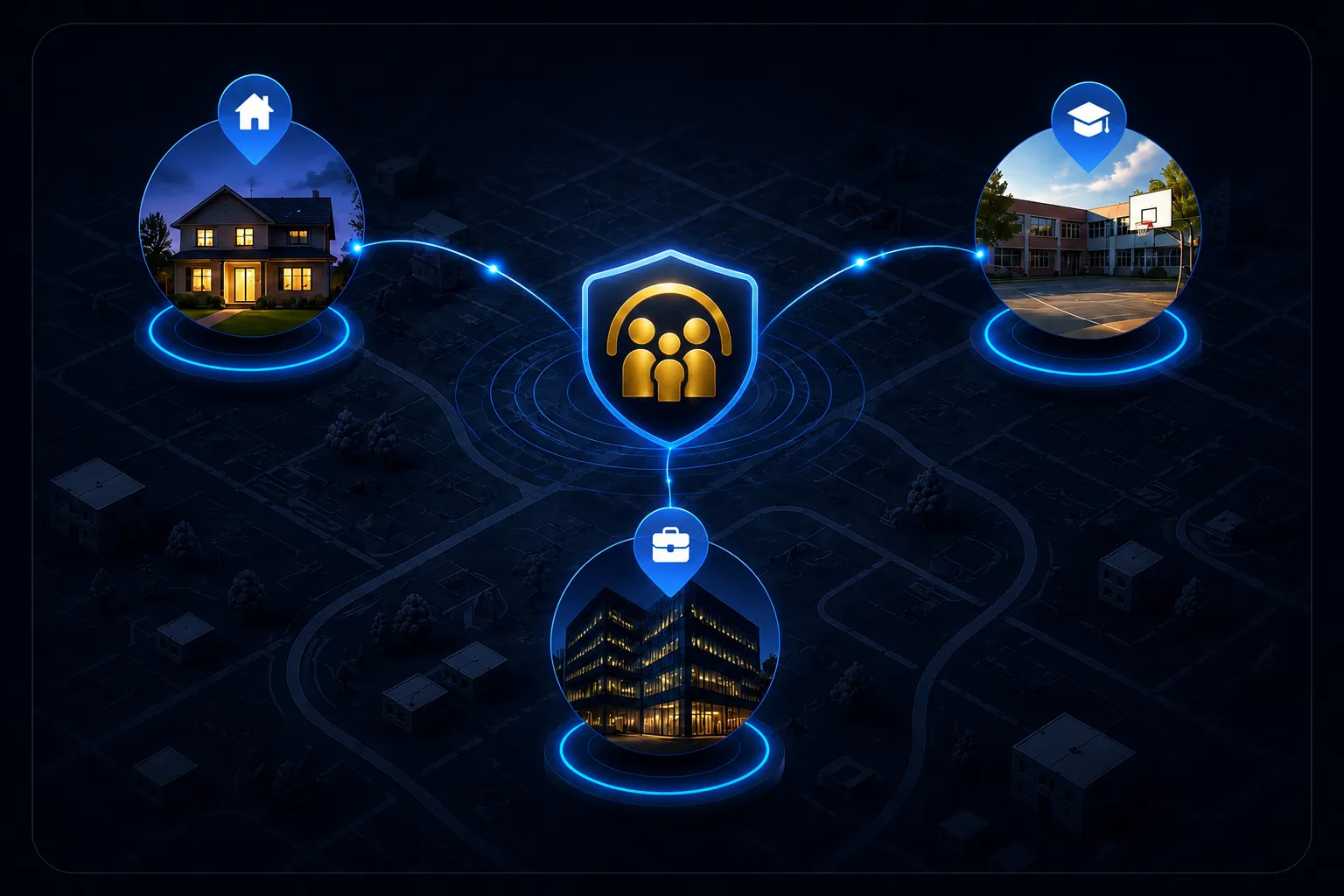
孩子在学校,父母在工作,家庭成员可能身处不同地点。Vedetor 将重要信号连接起来。
隐私

保护不应以牺牲隐私为代价。

Vedetor 应清楚说明使用哪些信息、为何使用以及谁可以访问。

隐私优先。始终如此。
价格与下载

准备好时再开始。

选择适合你的方案并进入产品体验。

查看方案探索功能