
Live Location
Know where they are.
Professional, real-time visibility into the supervised device.
Vedetor keeps the people who matter within reach.
Designed around presence, not constant surveillance.
Location, safe zones and alerts when they are useful.
A family connection built to feel calm.
The experience starts with people, not data. Location, device status, commands and alerts support the relationship.
Vedetor is designed so the first connection is simple. Add the supervised device, verify the pairing request, then choose the control level that fits the situation.
Set up Vedetor on the parent device and on the device that will be supervised.
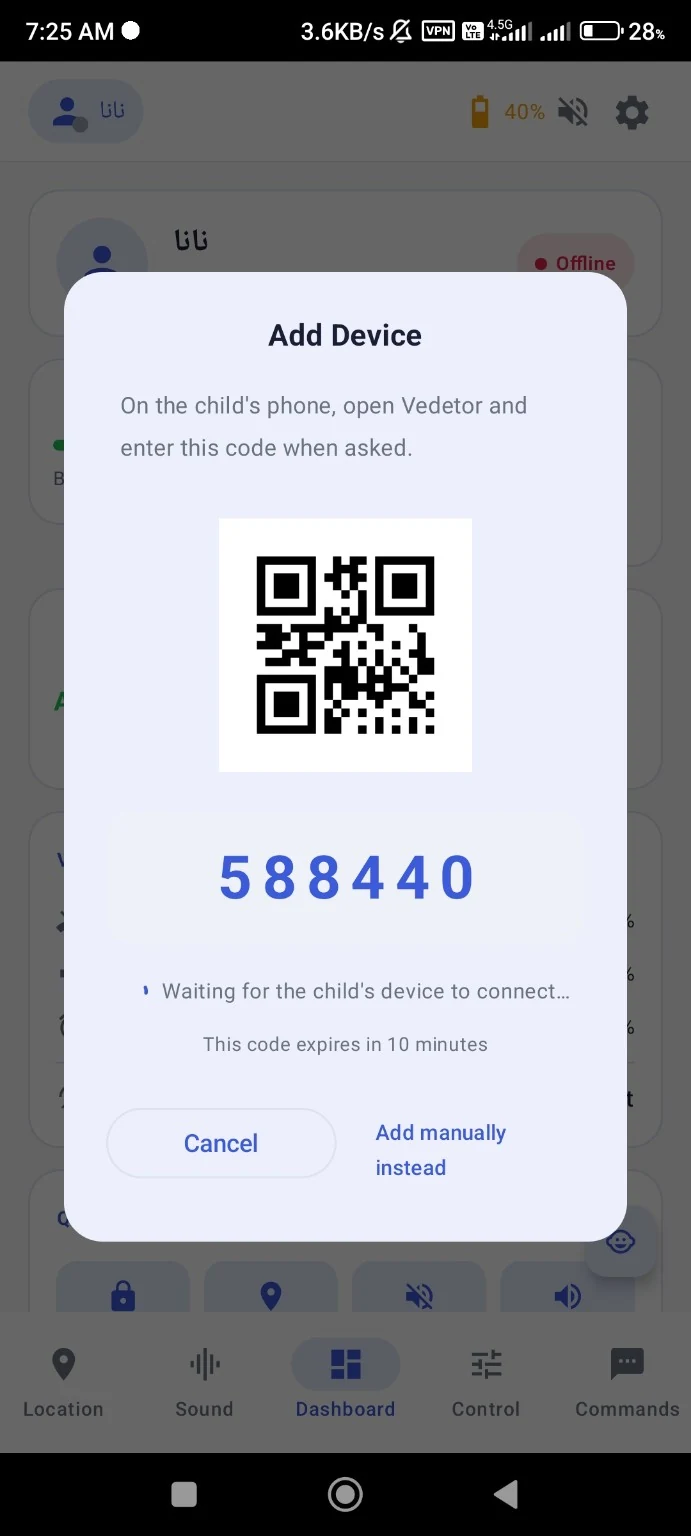
From the parent side, start a new device connection. Vedetor creates a temporary pairing request.
Use the QR code for a quick scan, or enter the six-digit code on the supervised device when requested.
Once connected, the device appears in your dashboard. Use Normal for everyday supervision or Owner Device for deeper control.
Professional, real-time visibility into the supervised device.
Send commands through the internet or SMS.
Ringtone, media, alarm and other device sounds — remotely.
Battery, sound levels and other useful status signals at a glance.
Vibrate, flash the light or play a loud sound, even in silent mode.
Remote actions such as screen control, app locking, camera actions and more.
The advanced control layer for deeper device management.
Normal mode for everyday supervision. Owner Device for deeper control.
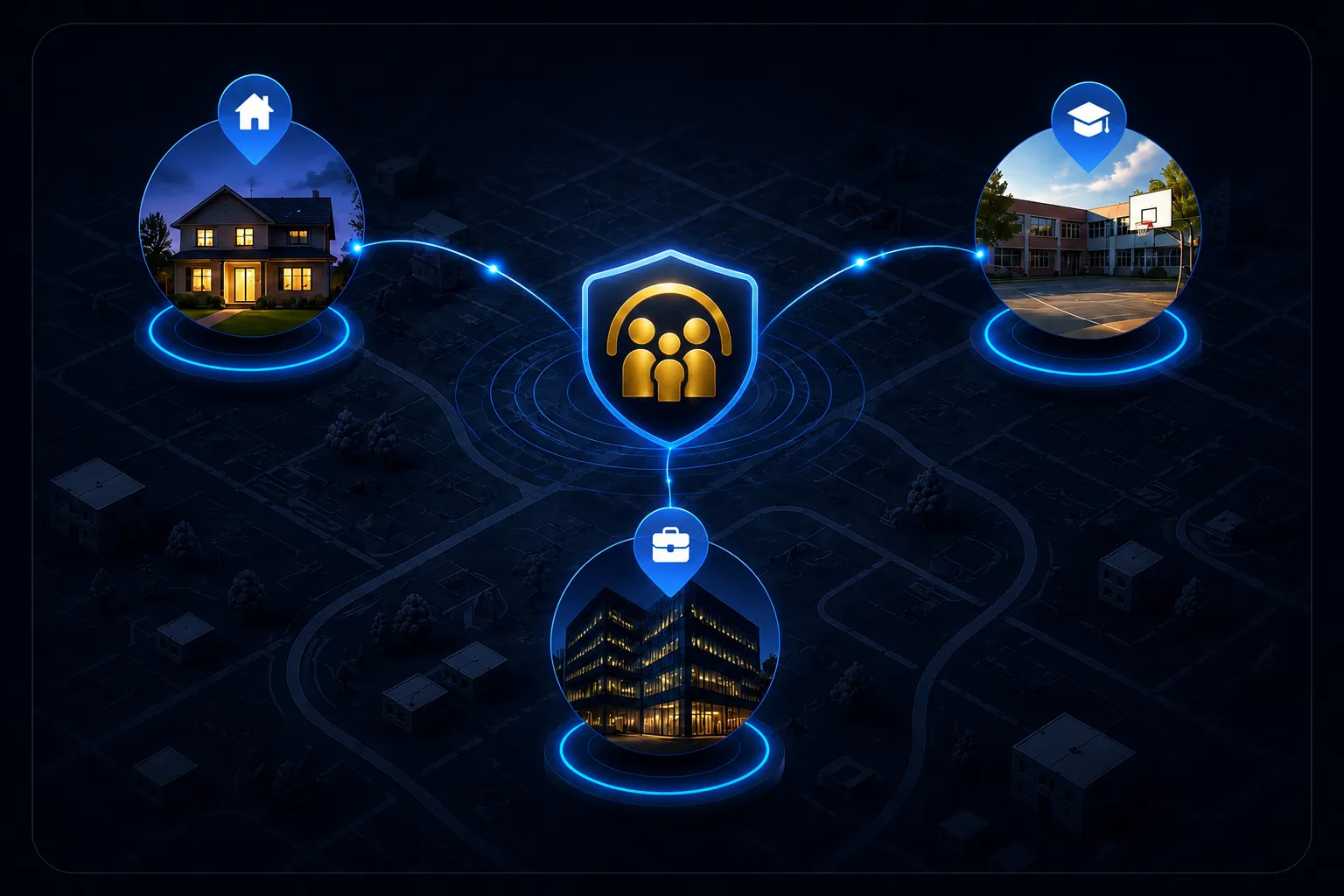
A child can be at school, a parent can be at work and another family member can be somewhere else. Vedetor connects the important signals without making distance feel bigger.
Vedetor should make it clear what information is used, why it is used and who can access it.
Choose the plan that fits your needs and continue to the product experience.
View plansExplore features